The “Connected apps” section in the web app settings lists the apps that can read and write your diary through your account, such as ChatGPT.
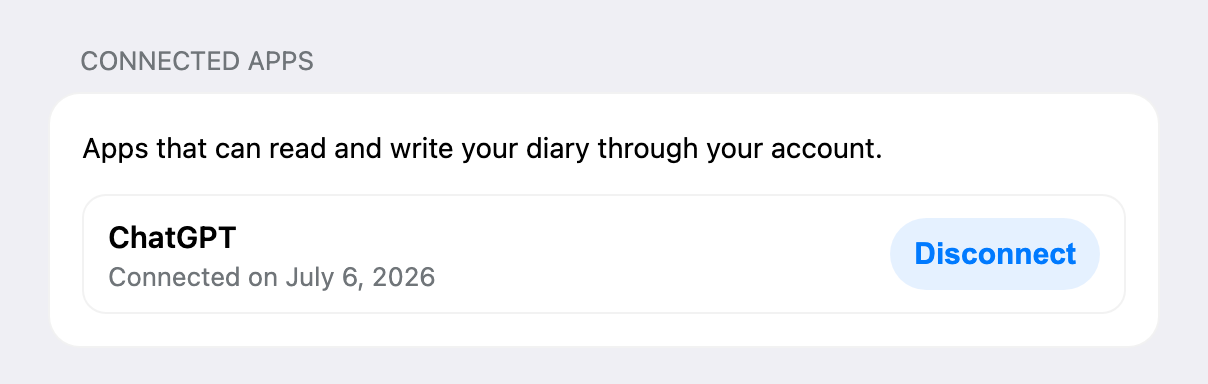
Every app shows its name and the date you connected it. If no app is connected, you see “No apps connected yet” and a link to connect ChatGPT.
Disconnect in Pain Tracker
- Sign in to the web app and open Settings.
- In “Connected apps”, choose Disconnect next to the app.
- Confirm.
The app loses access right away. ChatGPT can no longer read or change your diary and settings and asks you to connect again the next time you use the plugin.
Disconnect in ChatGPT
You can also remove the Pain Tracker connection in the plugin settings in ChatGPT. If the app is still listed in “Connected apps” afterwards, choose Disconnect there as well.
What stays
Entries you logged through ChatGPT stay in your diary after you disconnect. You can delete them in the web app.
Connect again
Start the connection in ChatGPT again. See ChatGPT Plugin.
Deleting your Pain Tracker account also removes all connected apps. See Account Deletion.