Voice and text entry in the web app
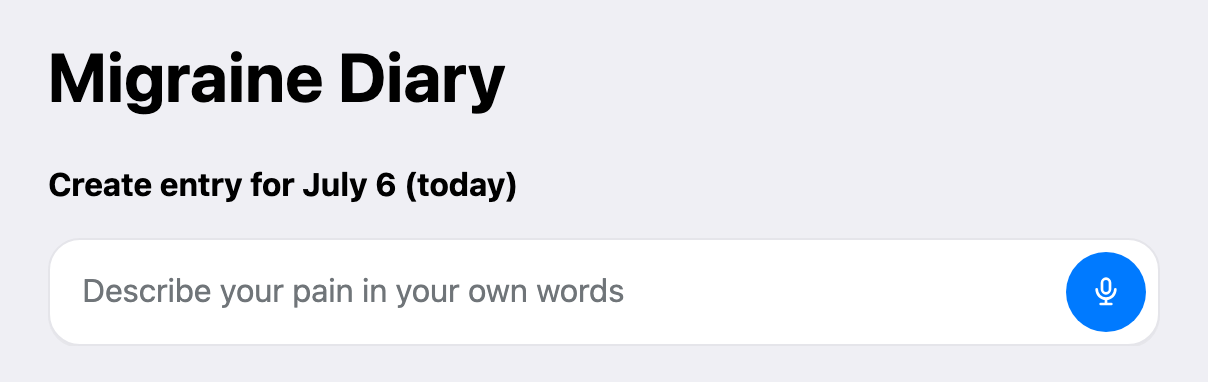
Describe your pain in plain language at the top of the Create entry page. Pain Tracker transcribes voice, extracts intensity, triggers, medications, and other fields, then saves the entry automatically.
How to use it
1. Open Create entry in the web app. 2. Type a short description or tap the microphone button for voice input. 3. Tap the send arrow when you are ready. 4. Review the filled form and edit anything if needed.
Example phrases
- "Pain level 7 since this morning, stress and lack of sleep, took ibuprofen, helped partially."
- "No pain today."
- "Migraine on the right side yesterday evening, sensitivity to light, sumatriptan helped."
Voice limits
- Web voice recordings can be up to 1 minute long.
- Your browser must allow microphone access.
Editing an existing day
When you edit an entry for a specific date, AI recognition always saves to that calendar date, even if you mention another day in your message.